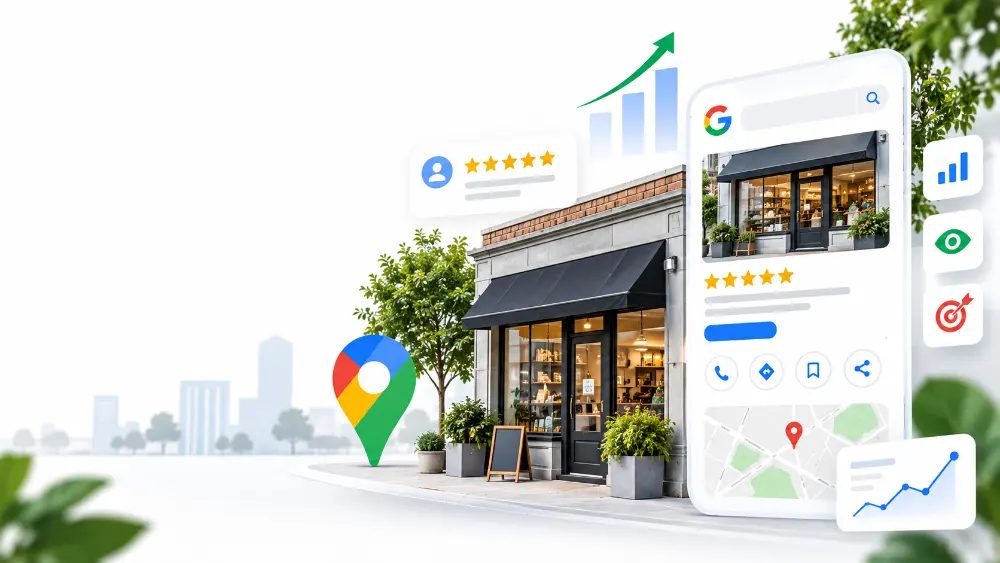
Whether you're just starting your small business or already established, creating and managing your Google Business Profile (GBP) is one of the most useful free tools available to help customers find your business online.
Your Google Business Profile is the information that can appear when someone searches for your business on Google or looks for businesses like yours on Google Maps. It can show customers important details such as your address, phone number, website, hours, photos, services, reviews, and more.
For many small businesses, this profile is one of the first places a potential customer interacts and starts building the idea of your brand.
That’s why your Google Business Profile matters.
A well-built profile can help you get discovered, build trust, generate leads, and give potential customers the information they need to take the next step. And the best part is that anyone can build it out.
Why Create a Google Business Profile Page?
There are several reasons small businesses create one, but here are the most common ones:
Build awareness for your business
The biggest challenge for a small business is simply getting noticed. You may provide a great product or service, but that doesn't help much if people in your area don't know you exist.
Additionally, as more businesses enter your local market, being visible online becomes even more important because customers have more options than ever.
Build an online lead generation process
Your Google Business Profile can also become part of your lead generation process. Instead of paying for local offline promotions, a simple GBP and lead capture process could replace those efforts.
Expand your existing community
Your existing customers are important, but your business can't grow nearly as fast without building a digital community.
Build trust before someone buys
Before consumers hire a contractor, schedule an appointment, or visit a new restaurant, modern consumers spend time researching an online presence to ensure they make the right decision.
The Most Important Thing You Can Do for Your Business
If there's one thing you should do before worrying about advanced Google Business Profile strategies, it's this:
Claim and verify your Google Business Profile.
Verifying your business establishes that the profile belongs to the actual business owner, in this case you. A verified profile starts the online credibility which will help later down the line.
Key Areas You Should Focus On To Help Rank Your Google Business Profile
When Google determines which businesses to show for local searches, the three areas they consider are: relevance, distance, and prominence.
You don't need to be an SEO expert to understand these concepts. Think of them as three questions Google is trying to answer:
- Is this business relevant to what the customer is searching for?
- Is this business close enough to the customer or the location they're searching for?
- How well-known or established is this business?
Here's what they mean:
Relevance
How closely does a person searching for your product or service match what you offer or provide. For a small business owner, this means making sure Google clearly understands what your business truly does.
Prominence
This means how well-known your business is. It also goes back to the importance of verifying your business as we mentioned before. A business with years of positive customer experiences, consistent information across the web, and a strong reputation has more signals showing that it is an established business.
Distance
Distance is simply how close your business is to the person searching for it.
For example, if someone searches for "coffee shop near me", Google will consider businesses that are located near that person. This is not as important as the other two factors.
A Strategy for Managing Your Google Business Profile
There isn't one perfect way to manage a Google Business Profile.
A local restaurant doesn't need to manage its profile the same way as a plumber. A dentist doesn't need the same strategy as a real estate company. And a retail store may have completely different needs from a service-area business.
Your Google Business Profile strategy should match the way your business actually operates.
For a small business, getting started doesn't have to be complicated.
First, claim and verify your profile. Then make sure your business information is accurate, explain what you offer, add quality photos, encourage genuine customer reviews, and keep the information up to date.
From there, your strategy can become more specific to your industry and your customers. We hope this helps!